Install Kohlrabi as a web app.
Currently Kohlrabi exists fully in browser. But you can still add it to your phone Home Screen and use it just like a regular app! This page shows you how.
-
Open kohlrabi.us in Safari.
-
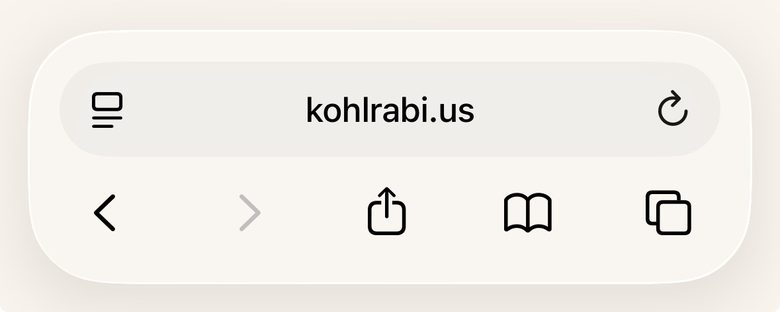
Tap the Share button - the square with an arrow pointing up - in the toolbar.
-
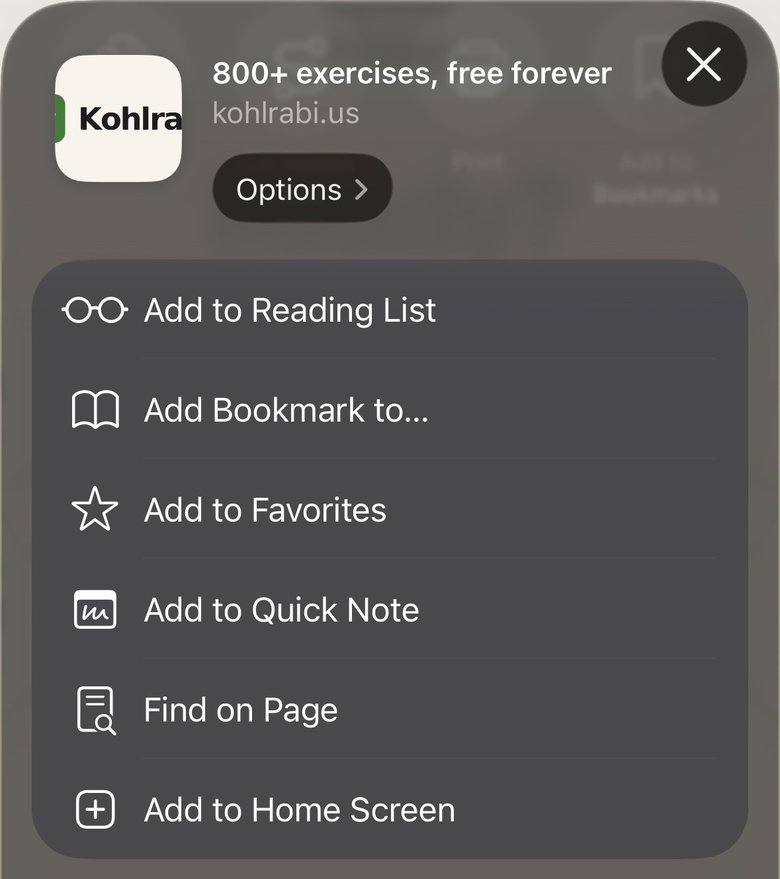
Scroll down in the share sheet and tap Add to Home Screen.
-
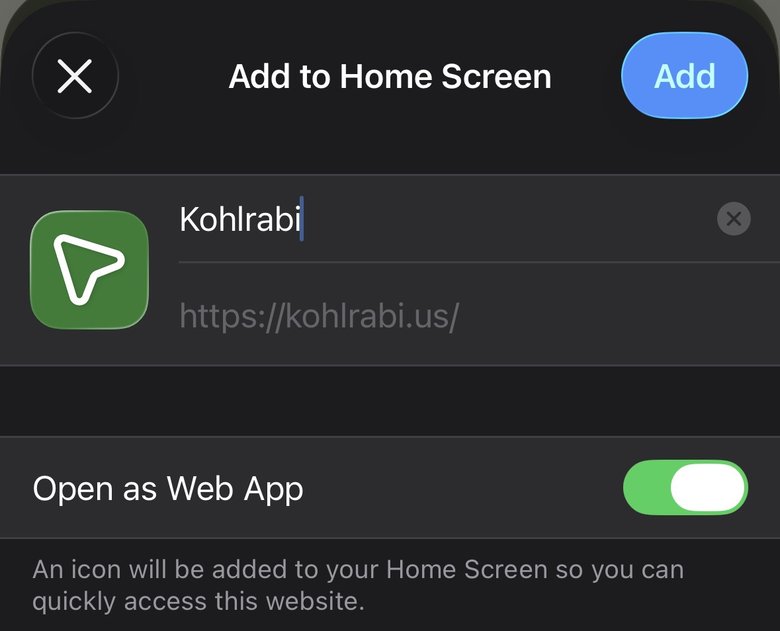
Make sure Open as Web App is switched on, then tap Add in the top-right corner.
-
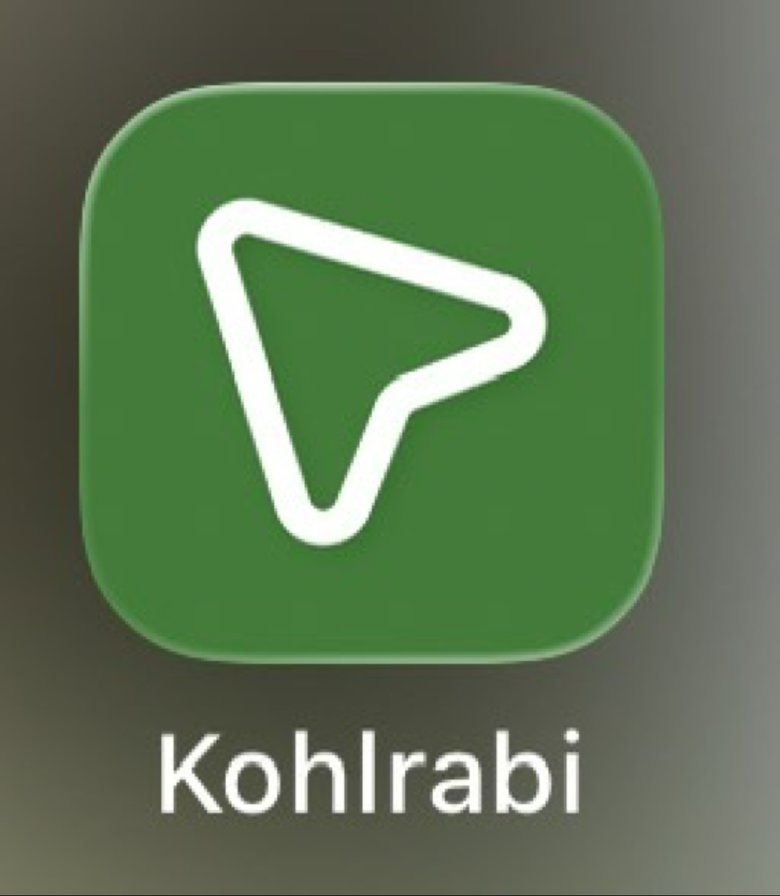
You’ll find the Kohlrabi icon on your Home Screen - tap it and the app opens full-screen, just like a regular app.
-
Open kohlrabi.us in Chrome.
Illustration -
Tap the three-dot menu in the top-right corner.
Illustration -
Tap Install app (or Add to Home screen).
Illustration -
Tap Install / Add to confirm.
Illustration -
You’ll find the Kohlrabi icon on your home screen - tap it and the app opens full-screen, just like a regular app.
Illustration